Registration guide · Victoria
Registering for home schooling in Victoria with the VRQA
In Victoria, everything starts with a learning plan. You send one for each child with your application, keep your child at school until you're approved, and then keep records that show regular and efficient instruction.
Regulator: Victorian Registration and Qualifications Authority (VRQA). Every requirement links to the official page that says so. Steps marked as our advice are practical tips, not requirements.
Last checked 29 October 2026
Get the free Victoria checklistKey facts
- Up to 28 days
- How long the VRQA takes to assess a complete application.Register to home educate (official page, opens in a new tab)
- 8 learning areas
- Your learning plan explains how you'll teach them.Register to home educate (official page, opens in a new tab)
- Up to 10%
- Of registrations are selected for review each year. Only one child per family is reviewed.Understand home education reviews (official page, opens in a new tab)
- 14 days
- To tell the VRQA if you stop home schooling.Register to home educate (official page, opens in a new tab)
How many hours?
Instruction has to be regular and efficient and, taken as a whole, substantially address the 8 learning areas. A weekly or monthly record can show it.
Understand home education reviews (official page, opens in a new tab)The steps, in order
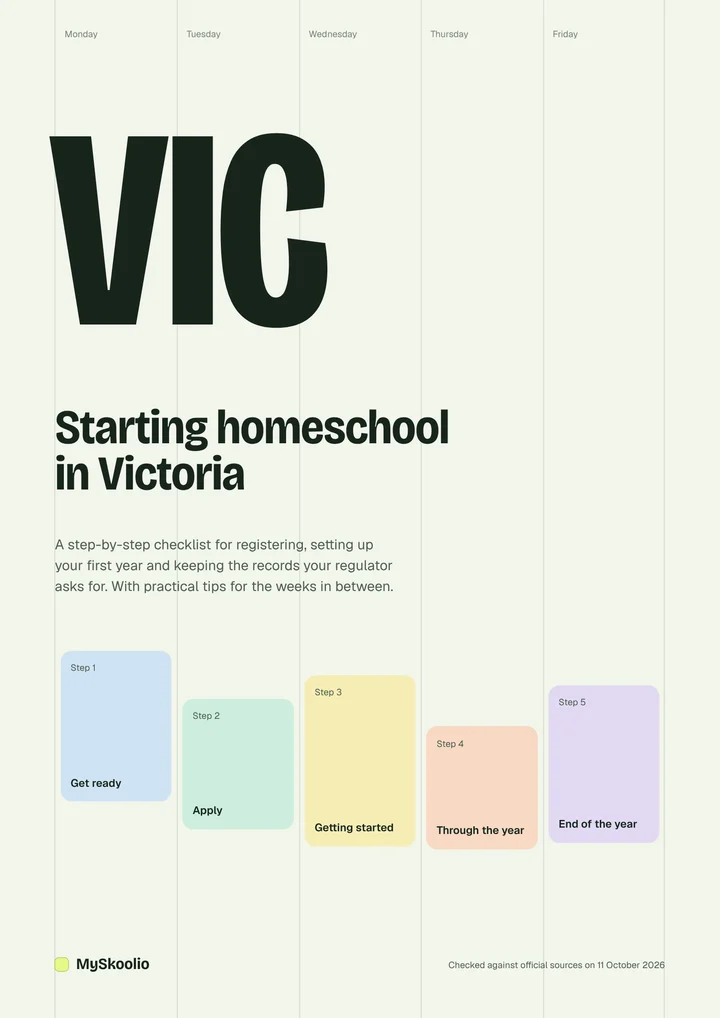
Get ready
Know who this applies to
Children aged 6 to 17 must be at school or registered for home schooling.
Home school your child (official page, opens in a new tab)Write a learning plan for each child
What you'll teach in the first year, how you'll cover the 8 learning areas, and when and where it will happen.
Home school your child (official page, opens in a new tab)Cover the 8 learning areas
English, Mathematics, Science, Humanities and social sciences, the Arts, Languages, Health and physical education, and Technologies.
Register to home educate (official page, opens in a new tab)Use the VRQA template, or your own
If teaching an area isn't reasonable for your child, you can ask for an exemption and explain why.
Register to home educate (official page, opens in a new tab)Gather the evidence documents the form asks for
Copies only, not originals.
Register to home educate (official page, opens in a new tab)
Apply
Complete every section of the application form
It's a Word document on the VRQA website.
Register to home educate (official page, opens in a new tab)Email it with the learning plan and documents
Send everything to home.schooling@education.vic.gov.au.
Register to home educate (official page, opens in a new tab)Keep your child enrolled at school for now
They stay enrolled until your application is approved.
Register to home educate (official page, opens in a new tab)Reply to any request within 28 days
Otherwise the VRQA decides on what it already has.
Register to home educate (official page, opens in a new tab)
Getting started
Start on your approval date
Or on the future start date you asked for.
Register to home educate (official page, opens in a new tab)Set up simple weekly or monthly records
A weekly or monthly record can show your instruction is regular and efficient.
Understand home education reviews (official page, opens in a new tab)
Through the year
Keep evidence as you go
A report of learning activities, your journal reflections, app extracts, samples of activities and photos can all count.
Understand home education reviews (official page, opens in a new tab)Tell the VRQA about changes
Your child's name, the responsible parent, contact details or your home schooling address. Use the registration information amendment form.
Register to home educate (official page, opens in a new tab)If you're selected for review
The VRQA will let you know. Reviews happen by email, phone or video, and cover your approach, your child's interests and needs, and your program by learning area or activity.
Understand home education reviews (official page, opens in a new tab)
End of the year
Watch for the VRQA's email
Towards the end of each year you'll get a link for each child to continue or cancel registration.
Register to home educate (official page, opens in a new tab)Stopping home schooling?
Tell the VRQA within 14 days, and don't cancel until the school has accepted the enrolment.
Register to home educate (official page, opens in a new tab)
Every yearAnswer the VRQA's end-of-year email to continue each child's registration.
Official pages
Get the free Victoria checklist
These steps as a printable PDF, with a tick box for each one, the key facts and record keeping tips.