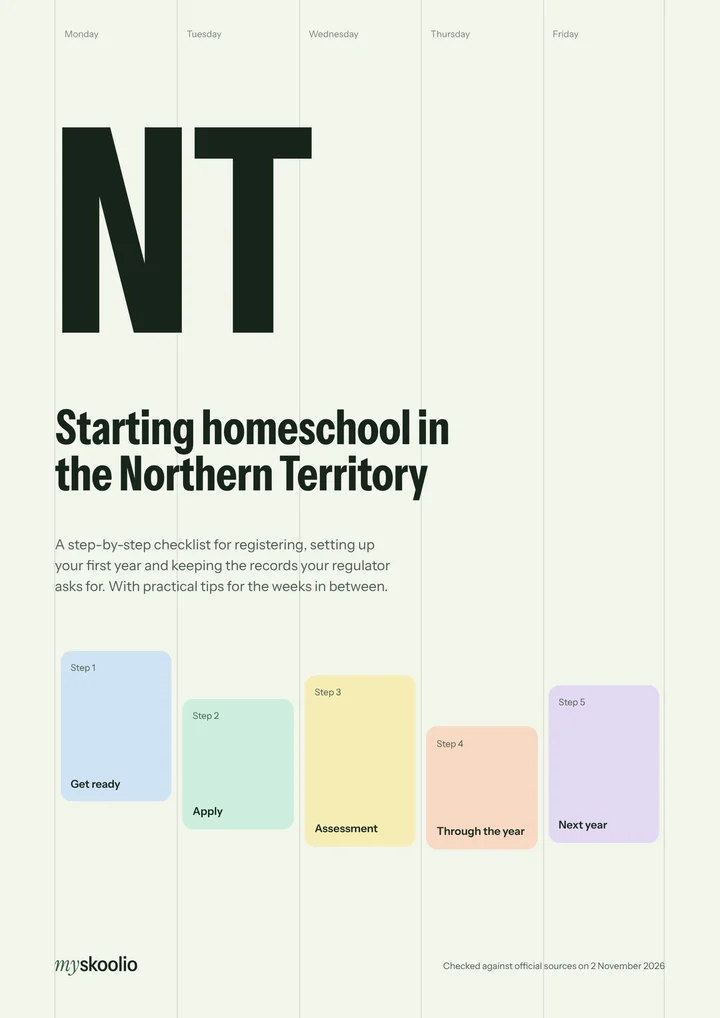
Registration guide · Northern Territory
Getting approval to home educate in the Northern Territory
In the Northern Territory, you apply online with a teaching, learning and assessment plan and your curriculum. Your child stays at school until you're approved, and approval lasts one school year, so you apply again each year.
Regulator: Home education team, NT Department of Education. Every requirement links to the official page that says so. Steps marked as our advice are practical tips, not requirements.
Last checked
Get the free Northern Territory checklistKey facts
- Up to 4 weeks
- How long the department may take to assess your application.Home education (official page, opens in a new tab)
- One school year
- How long home education approval is valid for.Home education (official page, opens in a new tab)
- Stay at school
- Your child stays enrolled and attending until you're approved.Home education (official page, opens in a new tab)
- No teacher training
- Parents can plan and deliver home education without formal teacher training or teaching experience.Home education (official page, opens in a new tab)
The steps, in order
Get ready
Choose your curriculum
Self-developed or commercially purchased. You attach it to your application.
Home education (official page, opens in a new tab)Fill in the teaching, learning and assessment plan
Use the plan for your child's year level: Transition to Year 10, or senior secondary.
Home education (official page, opens in a new tab)Bought a whole curriculum?
Put all the curriculum information together in a single PDF.
Home education (official page, opens in a new tab)Thinking about the senior years?
Home education students don't receive accreditation, including the NT Certificate of Education and Training.
Home education (official page, opens in a new tab)Hiring a teacher?
They need to be registered with the Teacher Registration Board of the NT and have a working with children clearance (ochre card).
Home education (official page, opens in a new tab)
Apply
Apply online
Submit the application with your plan and curriculum attached. It takes 15 to 20 minutes, all in one go.
Apply for home education (official page, opens in a new tab)Apply any time of year
New families can apply to home educate at any time during the year.
Home education (official page, opens in a new tab)Keep your child at school for now
They stay enrolled and attending a school until you're approved.
Home education (official page, opens in a new tab)
Assessment
Expect a home visit or a call
An officer assesses your application and learning plan, with a home visit or teleconference.
Home education application procedures (official page, opens in a new tab)Wait for the outcome in writing
Assessment can take up to 4 weeks.
Home education (official page, opens in a new tab)If it isn't approved
Make sure your child is enrolled and attending a school. You can reapply at any time.
Home education (official page, opens in a new tab)
Through the year
Follow your learning plan
Plan, teach, assess, record and evaluate according to it.
Home education application procedures (official page, opens in a new tab)Tell the department about changes
Including when home education stops.
Home education application procedures (official page, opens in a new tab)Travelling?
For a short trip, talk to the home education team about the program. For a long one, you can apply to enrol your child in a distance education school.
Home education (official page, opens in a new tab)
Next year
Apply again for each year
Each child needs a new application for each year of home education.
Home education application procedures (official page, opens in a new tab)Ask early about next year's dates
Check with the home education team when continuing families need to reapply, well before the school year ends.
Our advice, not a requirement
Every yearSend a new application for each child for each year of home education.
Get the free Northern Territory checklist
These steps as a printable PDF, with a tick box for each one, the key facts and record keeping tips. MySkoolio's registration help covers Queensland, NSW and Victoria at launch, so for Northern Territory it's this guide and checklist for now.